Quick Start: Secure Your Crypto with Trezor
A clear, practical walkthrough to help you set up your Trezor device safely and confidently.
Visit Trezor.io/Start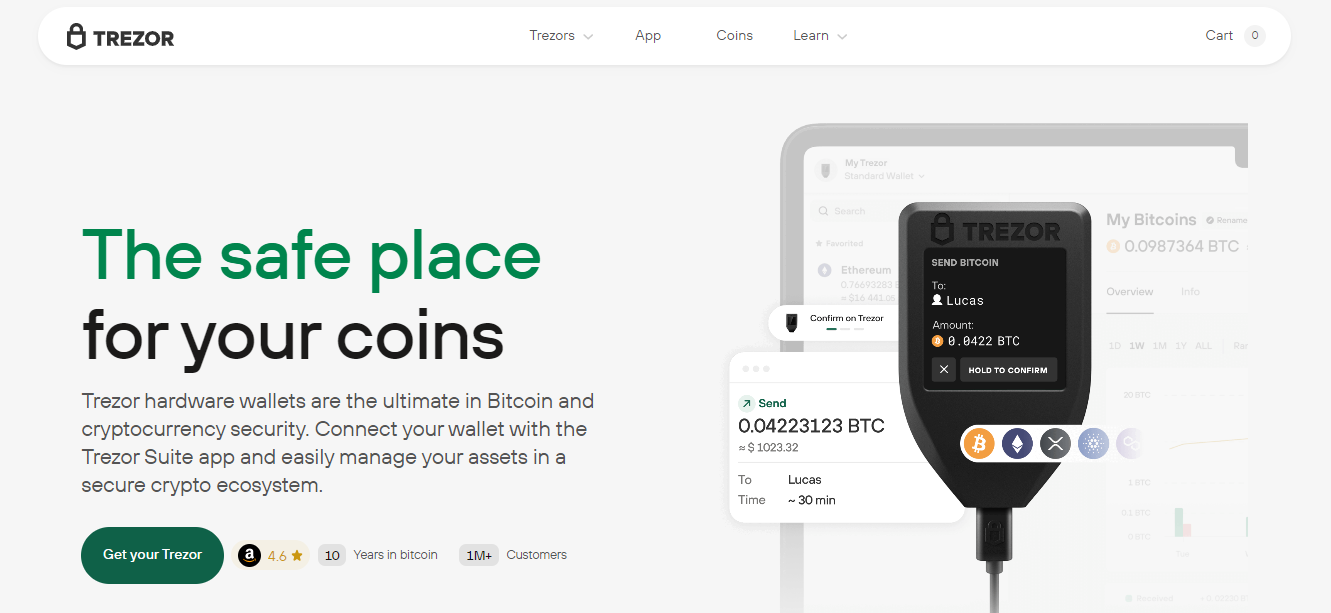
Introduction
Trezor is a hardware wallet designed to keep your cryptocurrencies and private keys offline and safe. This guide covers the essentials from unboxing to your first secure transaction. Follow the official setup flow at Trezor.io/Start and use the steps below as a readable companion.
Unboxing and First Checks
When you receive your Trezor device, inspect the packaging seals and box for tamper evidence. Only proceed if the seals are intact. Keep the original box and documentation until setup completes successfully.
Trezor.io/Start rather than following links in unsolicited emails or social messages.
Step-by-Step Setup
- Go to Trezor.io/Start on a trusted browser and follow the on-screen instructions.
- Connect your device via USB and install the official Trezor Bridge or Suite if prompted.
- Create a new wallet and write down the recovery seed (12–24 words) on the provided card — never store it digitally.
- Set a strong PIN on the device; avoid obvious numbers and never share it.
Security Best Practices
The seed phrase is the single most important piece of data — treat it like cash. Use a fireproof and waterproof seed storage method if possible. Enable passphrase protection for an additional security layer, but remember that losing it means losing access.
- Backup the seed in multiple secure locations.
- Keep your PIN and passphrase private whenever possible.
- Verify firmware updates directly from
Trezor.io/Startand never install third-party firmware.
Maintenance & Troubleshooting
Regularly check for firmware updates and review supported coins in Trezor Suite. If you ever suspect compromise, use your seed to recover funds on a fresh device and transfer assets to a new wallet.